Save Time with Audio Screenings 🎙️

3 min read
Features
Matchmakers are not known for light client conversations. A screening call can run 45 minutes on a good day and touches relationship history, family dynamics, dealbreakers, and then ends right before you had a chance to write any of it down. You close the call, take two other meetings, and come back to the profile three hours later with a head full of impressions and a notes field that never truly capture your thoughts at the time.
Audio Screenings in HoneyBee were designed to fix this. Here's how you can save hours of time.
Starting a Recording
From any client or member profile, head to the Screenings tab. There are two buttons to kick off a new recording, one inside the Audio Screenings section and one at the top of the profile page, and they do the same thing. You give the recording a title, submit it, and HoneyBee opens the recorder in a separate window. The separate window is deliberate. You stay on the call, but can flip back to the profile whenever you need to update a field or add a note, and the recording keeps running. Nothing stops.
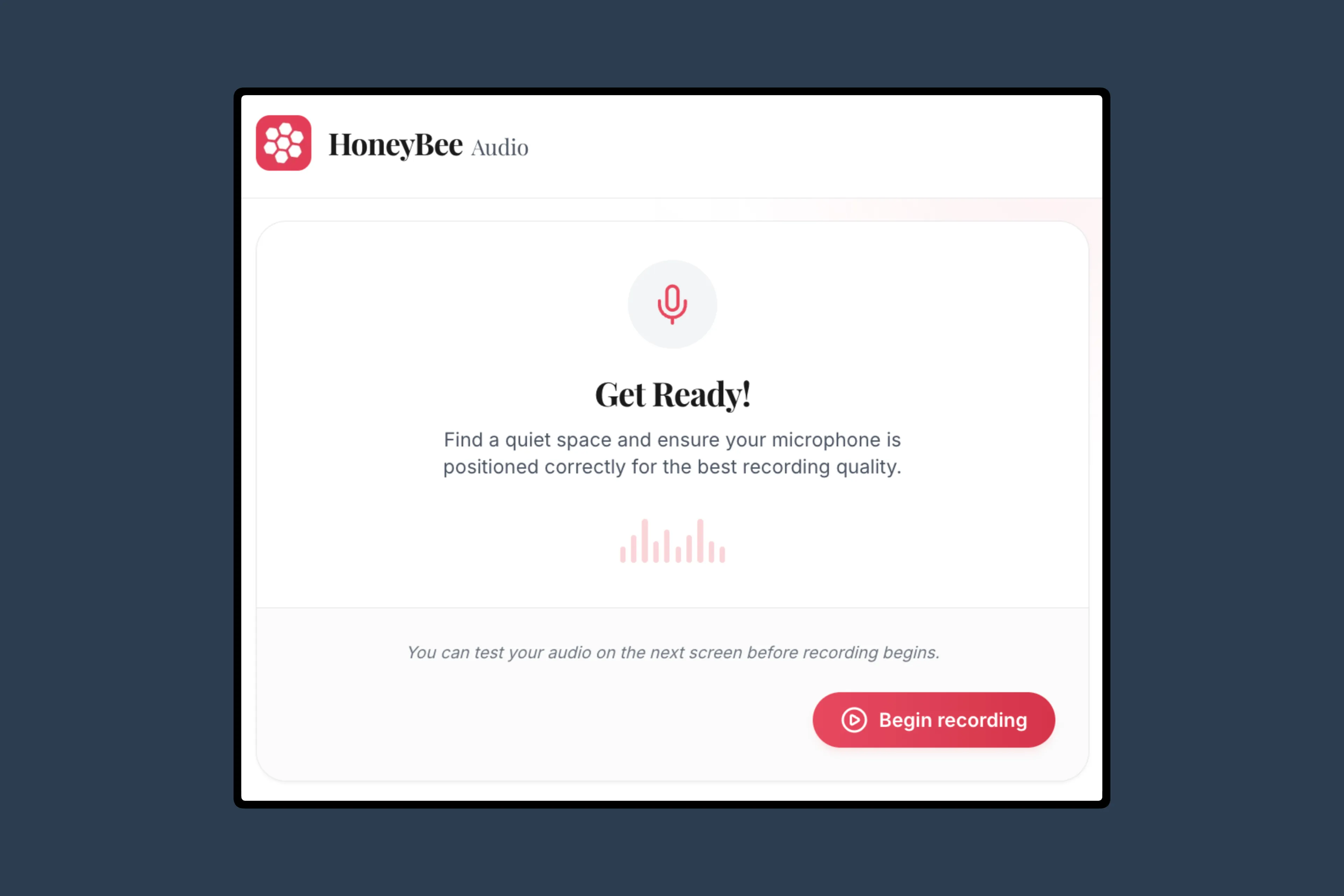
In the recorder, clicking Begin Recording runs a quick audio check first. You see the waveform respond to your voice, confirm the microphone is picking things up, and then click Continue to start the actual session. It captures your audio and whatever is coming through your speakers, so Zoom calls and speakerphone both work fine. When the call ends, hit Stop Recording. You can play it back immediately, download a local copy for your own backup, and then save it to the HoneyBee profile.
The Results
After the recording uploads, you get three things: Playback of the raw audio, sentiment analysis, and a full summary of the conversation.
HoneyBee reads the content of the conversation and scores it across positive, neutral, and negative. In a sales context, sentiment is a curiosity. In matchmaking, a client or member who comes in predominantly negative or guarded during a screening is giving you real information about what working with them will look like, and it's worth having that on record rather than just a gut feeling you can't explain to anyone later. The scoring is not surgical, it won't catch sarcasm or cultural context perfectly, but it's a consistent signal where before you had nothing.
The AI summary is the part that will actually change your day-to-day. It pulls out key points, next steps, and action items, and because HoneyBee is built specifically for matchmaking, it also surfaces relationship history, dating preferences, and anything else matchmaking-specific the client mentioned. Those details get their own section rather than getting dissolved into a generic call recap. You can edit the summary before saving it directly to the profile as a formatted interview note.
ReSurfacing the Details
Interview notes, audio screenings, and internal notes all flow into HoneyBee's profile summary feature, which pulls the most important information about a client into one place. Profile Summary surfaces the important details at the right time, as you're using HoneyBee. The more you use audio screenings to document calls consistently, the more useful the profile summary becomes.
Audio screenings are available on the Growth plan and above.*


